Carrier-Locked Smartphones in Germany: What It Means & How to Unlock
A carrier-locked smartphone can only be used with SIM cards from the carrier that sold the device. This is a common practice in Germany when phones are sold bundled with mobile contracts. Understanding carrier-locking is important before purchasing.
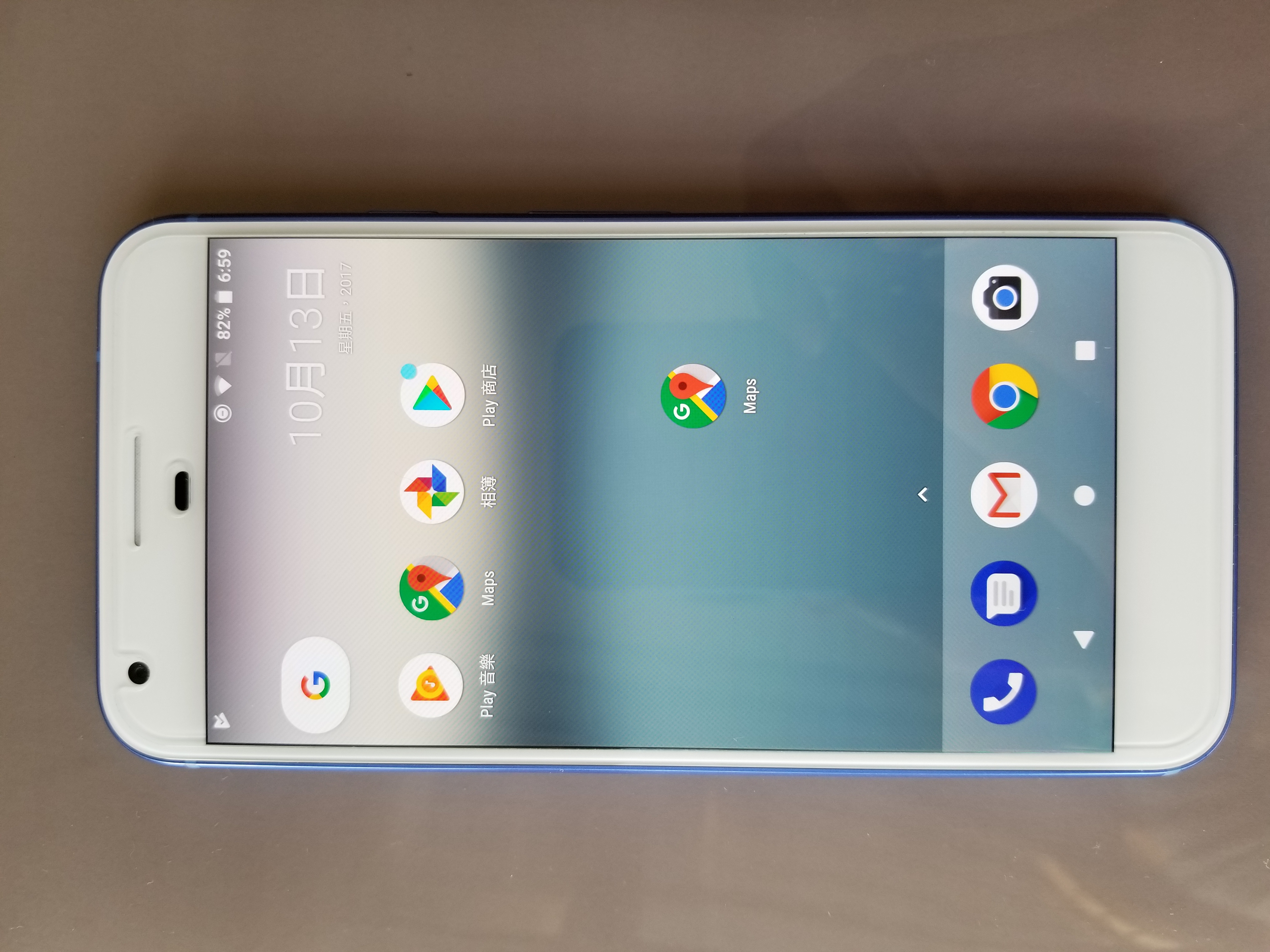
Google Pixel XL · Wikimedia Commons

1. What Carrier-Locking Means
Network locking (also called SIM-locking or carrier-locking) is a software restriction applied to a smartphone at the point of sale. A locked phone communicates with the network using an identifier that limits it to SIM cards from the carrier that applied the lock.
When you insert a SIM card from a different carrier into a locked phone, the device typically displays an error message: "Invalid SIM card," "SIM not supported," or a request for an unlock code. The device cannot connect to the network.
A locked phone functions normally in every other respect — Wi-Fi, camera, storage, and all apps work without restriction. Only the cellular network functionality is affected.
2. How to Check if a Phone is Locked
The most reliable method is to insert a SIM card from a different carrier and observe whether the device connects normally. If you receive an error, the phone is locked.
Other methods:
- IMEI check: Enter your IMEI (found in Settings → About Phone or by dialling *#06#) into a carrier's IMEI unlock check tool. Most German carriers (Deutsche Telekom, Vodafone, O2/Telefónica) offer these online.
- Phone settings: On iPhones, Settings → General → About shows "SIM Lock" or "No SIM restrictions" under Carrier Lock.
- Ask the retailer: When purchasing a carrier-sold device, ask explicitly whether the device is SIM-locked and what the unlock conditions are.
3. Carrier-Locking in Germany
In Germany, the three major network operators — Deutsche Telekom, Vodafone, and Telefónica (O2) — have sold SIM-locked devices bundled with mobile contracts. The practice is less common than it was in the early 2010s.
Key points for the German market:
- Devices sold directly by manufacturers (Apple Store, Google Store, Samsung Shop) and most electronics retailers are typically unlocked.
- Devices sold with carrier contracts (Vertrag) may be locked to that carrier's network.
- Budget mobile virtual network operators (MVNOs) do not lock devices, as they do not sell hardware directly.
4. The Unlocking Process in Germany
To unlock a carrier-locked device in Germany:
Contact your carrier
Submit an unlock request through the carrier's customer service. This can typically be done online, by phone, or in a store. You will need to provide your IMEI and account details.
Meet any conditions
Carriers may require that the contract minimum term has elapsed, that the device is fully paid off (for instalment purchases), and that the account has no outstanding balance.
Receive the unlock code or remote unlock
The carrier provides an unlock code (entered via the SIM card slot when a foreign SIM is inserted) or sends a remote unlock signal. The process varies by manufacturer and carrier.
Verify the unlock
Insert a SIM from another carrier and confirm the device connects to the network.
5. Legal Rights Regarding Carrier-Locking
The EU Electronic Communications Code (Directive 2018/1972), implemented in Germany through the Telekommunikationsgesetz (TKG), contains provisions that strengthen consumer rights regarding SIM-locked devices. Under these rules, carriers must provide unlocking free of charge once the contractual lock-in period has expired.
6. eSIM and Carrier-Locking
eSIM (embedded SIM) technology allows SIM profiles to be downloaded digitally rather than using a physical card. eSIM-capable devices can be locked in the same way as physical SIM devices — the carrier applies a software lock that prevents activation with a different carrier's eSIM profile.
From the iPhone 14 onward (in the United States, devices ship without a physical SIM slot). In Germany and Europe, recent iPhones continue to include a physical SIM slot alongside eSIM support. The unlocking process for eSIM follows the same request procedure as for physical SIM locks.